How to Reset Password at Arena Kings
Getting locked out of your account can be frustrating, especially when you are ready to jump into the action. At Arena Kings, we prioritize your security while ensuring you get back to your favorite games as quickly as possible.
This comprehensive guide will walk you through the Reset Password process, provide troubleshooting tips for common login issues, and share expert advice on keeping your account secure in the Philippines’ evolving digital landscape.
Why You Might Need to Reset Your Password
There are several reasons why you might find yourself needing to update your login credentials. Whether it is a forgotten code or a proactive security measure, knowing how to navigate the Reset Password flow is essential for every Arena Kings member.
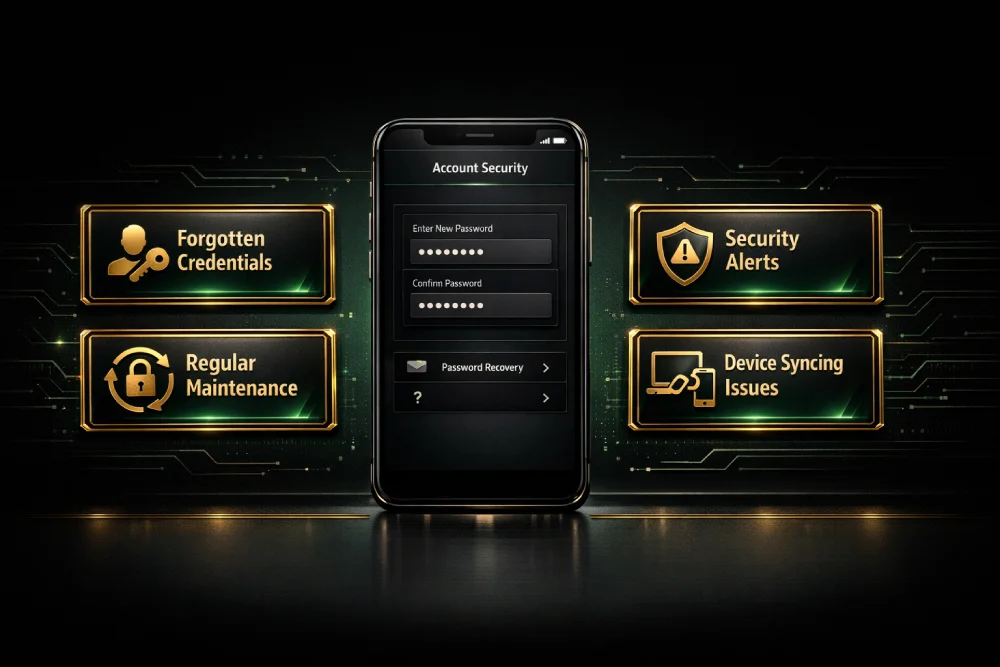
- Forgotten Credentials: The most common reason. With so many digital accounts to manage, it is easy to lose track of one.
- Security Alerts: If we detect unusual activity, we may prompt you to update your details.
- Regular Maintenance: Changing your password every 60–90 days is a best practice recommended by cybersecurity experts.
- Device Syncing Issues: Sometimes, saved passwords on browsers fail to update, requiring a manual reset.
Step-by-Step Guide: How to Reset Password on Arena Kings
We have designed our recovery system to be user-friendly. Follow these simple steps to regain access to your dashboard.
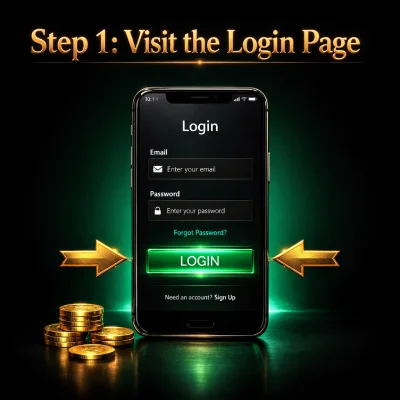
Step 1: Visit the Login Page
Navigate to the official Arena Kings website. Click on the “Login” button located at the top right corner of the homepage.
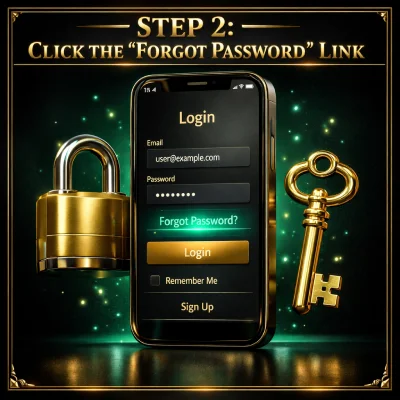
Step 2: Click the “Forgot Password” Link
Below the login fields, you will see a link labeled “Forgot Password?” or “Reset Password.” Click this to initiate the recovery process.
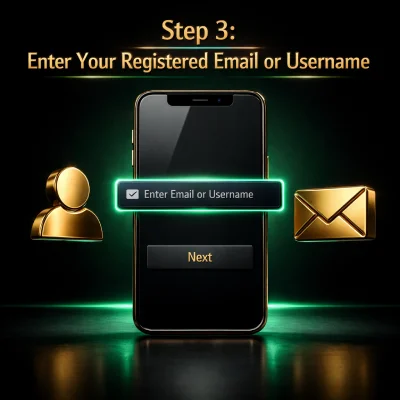
Step 3: Enter Your Registered Email or Username
You will be prompted to provide the email address associated with your account. Ensure there are no typos, as our system needs an exact match to send the recovery instructions.
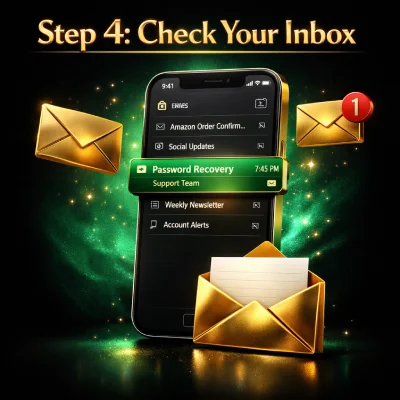
Step 4: Check Your Inbox
Within a few minutes, you should receive an email from Arena Kings. This email contains a secure, one-time link.
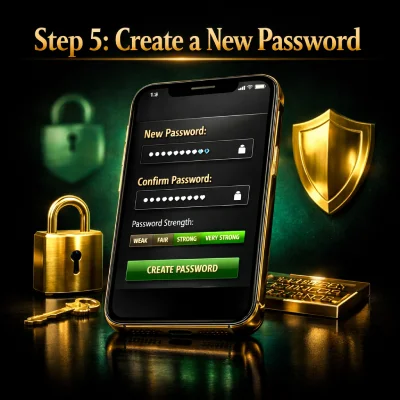
Step 5: Create a New Password
Click the link in the email. You will be redirected to a secure page where you can enter a new password. Input your new choice twice to confirm.
Step 6: Log In and Play
Once the system confirms the change, head back to the login page and enter your new credentials. You are now ready to go!
Troubleshooting Common Reset Issues
Sometimes, the Reset Password process doesn’t go as smoothly as expected. Here are the most common hurdles Filipino users face and how to fix them.
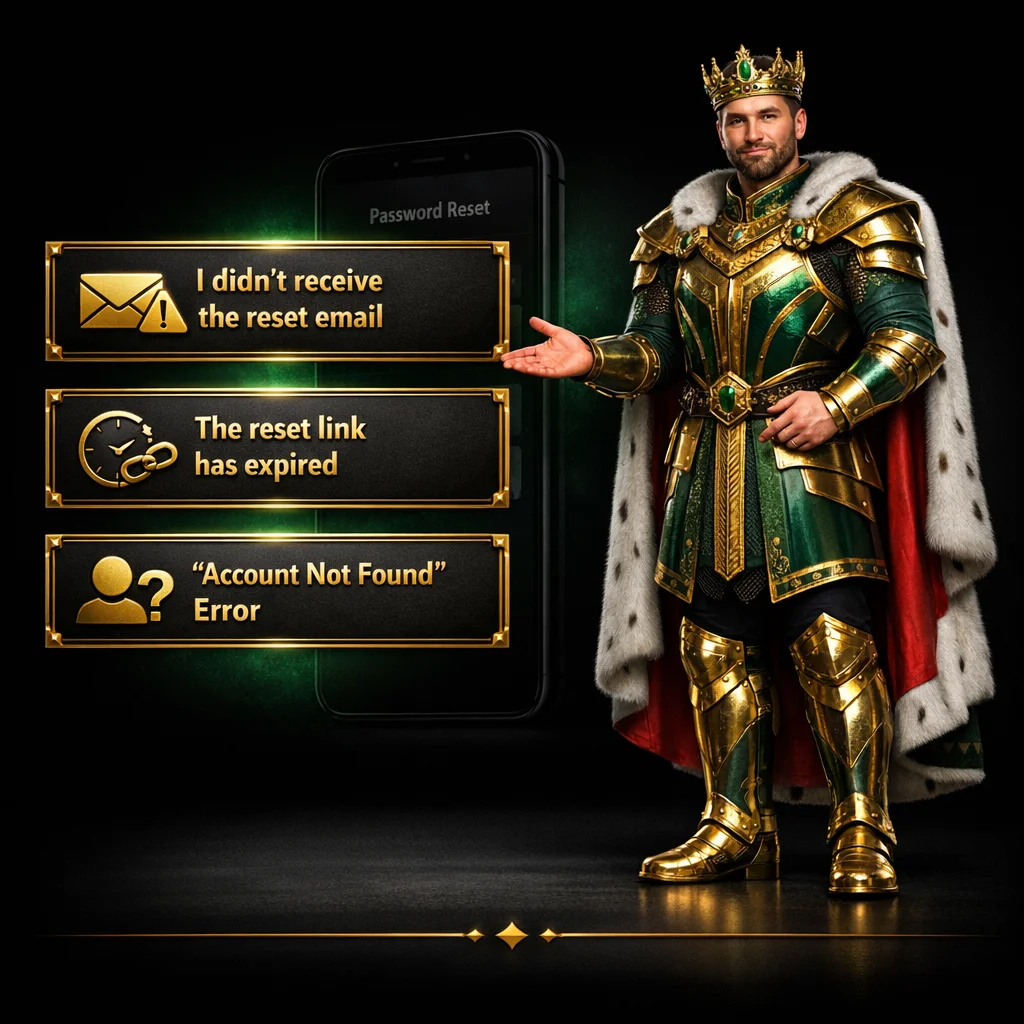
I didn’t receive the reset email
- Wait a moment: Network delays can happen. Wait at least 5 minutes.
- Check Spelling: Ensure the email you entered is the one you used during registration.
- Storage Full: If your Gmail or Yahoo inbox is full, you won’t receive new mail.
- ISP Filtering: Some Philippine internet service providers have strict filters. Add Arena Kings to your “Safe Senders” list.
The reset link has expired
For your protection, our recovery links are time-sensitive (usually valid for 30–60 minutes). If the link expired, simply start the process over to get a fresh one.
“Account Not Found” Error
If the system does not recognize your email, you might have signed up using a different social media account (like Facebook or Google) or a different email alias. Try your secondary email addresses.
Best Practices for a Strong Password
In the Philippines, online security is more important than ever. A strong password is your first line of defense against unauthorized access. Use these tips to create a “bulletproof” login:
| Feature | Description |
| Length | Aim for at least 12 characters. Longer is always better. |
| Complexity | Use a mix of uppercase letters, lowercase letters, numbers, and symbols (e.g., @, #, $). |
| Unpredictability | Avoid using your birthday, name, or “ArenaKings123.” |
| Uniqueness | Never use the same password for Arena Kings that you use for your bank or social media. |
Enhancing Your Account Security
Beyond the Reset Password function, there are additional steps you can take to ensure your Arena Kings account remains safe from hackers and phishing attempts.
Enable Two-Factor Authentication (2FA)
If available, always enable 2FA. This requires you to enter a code sent to your mobile phone or an authenticator app whenever you log in from a new device. Even if someone knows your password, they cannot enter your account without that secondary code.
Be Wary of Phishing Scams
Arena Kings staff will never ask for your password via Facebook Messenger, Telegram, or SMS. Only enter your credentials on our official domain. If you receive a suspicious message, do not click any links.
Log Out on Public Devices
If you are playing at an internet cafe in Manila or using a friend’s phone, always remember to log out. Avoid selecting the “Remember Me” option on shared computers.
Expert Tips for Managing Digital Credentials
Managing multiple accounts can be overwhelming. As professionals in the digital space, we recommend the following tools to help you stay organized:
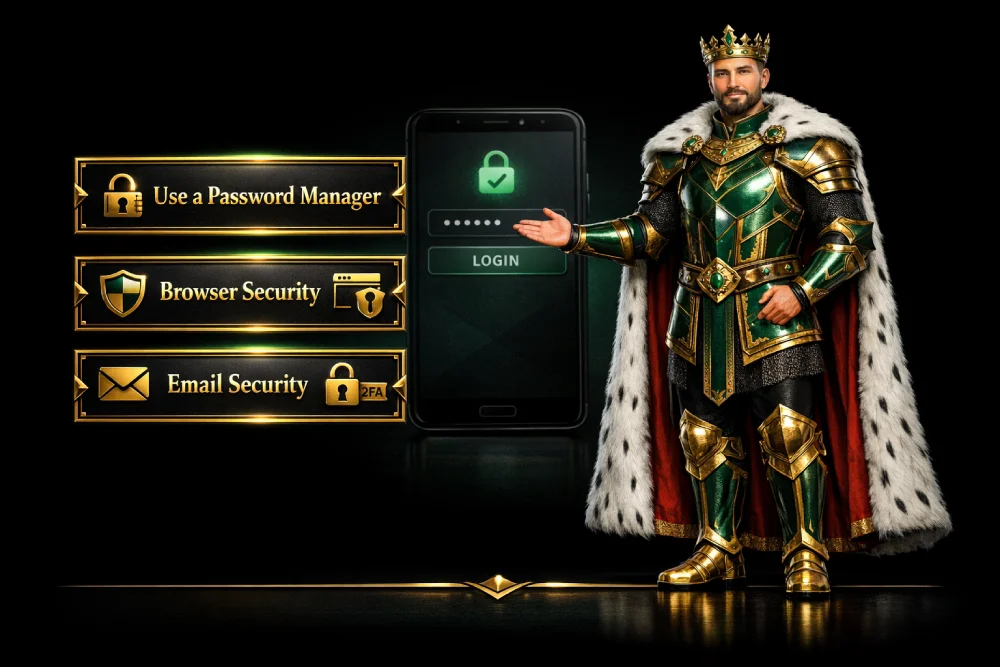
- Use a Password Manager: Tools like LastPass, Bitwarden, or Dashlane can store your Arena Kings details securely. You only need to remember one “Master Password.”
- Browser Security: Keep your Chrome or Safari browser updated to the latest version. These updates often include patches for security vulnerabilities.
- Email Security: Since your Reset Password link goes to your email, make sure your email account itself has a very strong password and 2FA enabled.
Why Security Matters at Arena Kings
Arena Kings is more than just a platform; it is a community. We invest heavily in encrypted servers and secure protocols to protect your data. When you perform a Reset Password action, you are interacting with a system designed by experts to keep your personal information private.
Our commitment to our Filipino users is to provide a seamless gaming experience. Part of that experience is knowing that your account is a fortress. By following the steps and tips in this guide, you contribute to the overall safety of our gaming ecosystem.
Frequently Asked Questions (FAQ)
How often should I perform a Reset Password?
While not mandatory, we recommend updating your password every 3 months to maintain high-level security.
Can I reset my password via SMS?
Currently, our primary recovery method is via email. Ensure your registered email is active and accessible.
What if I no longer have access to my registered email?
If you cannot access your email, please contact our 24/7 Customer Support team. You may need to provide proof of identity to verify account ownership.
Is it safe to save my password in my browser?
While convenient, it is safer to use a dedicated password manager. If someone gains access to your computer, they can easily view saved browser passwords.
Does Arena Kings store my password in plain text?
No. We use advanced hashing and encryption. No one, not even our staff, can see your actual password.